
If your site feels slow or unpredictable to visitors, you are not alone. Web performance quietly eats conversions and trust, and Core Web Vitals are the modern, measurable way to diagnose the problem. In this guide you will learn a clear, step-by-step process for a core web vitals audit for beginners, what to measure, which tools to use, and quick wins you can implement without a full redesign.
Why Core Web Vitals matter
Core Web Vitals are the three user-centric metrics Google uses to judge real-world page experience: loading speed, interactivity, and visual stability. These metrics influence search visibility and, more importantly, user satisfaction. Start small, focus on your highest-value pages, and you will see outsized improvements in bounce rate and conversions.
Here’s the thing, you do not need to be a front-end engineer to run a useful audit. With a few free tools and a prioritized checklist, small agencies and site owners can find the root causes and deliver quick wins that make a measurable difference.
Quick overview of the three metrics
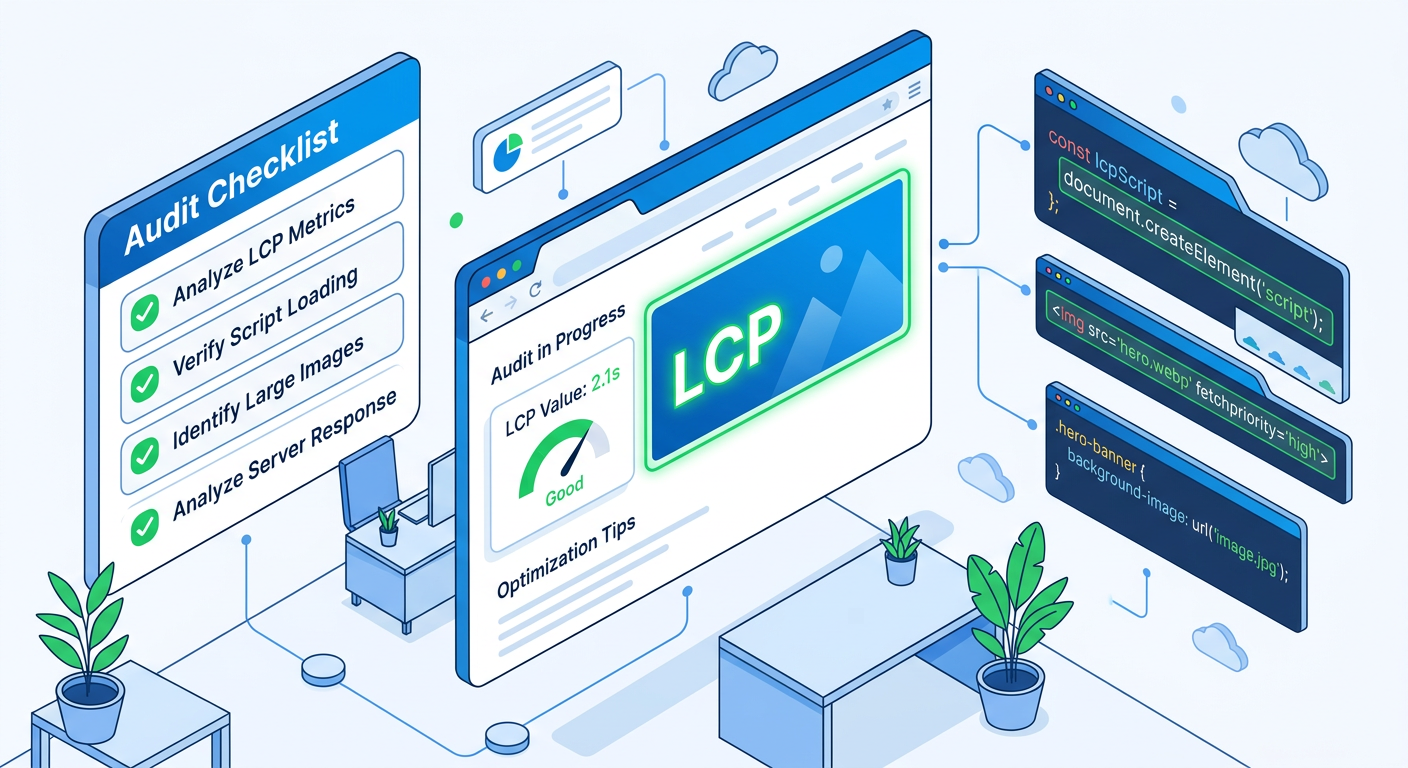
Largest Contentful Paint (LCP)
Measures perceived load speed, the time until the largest visible element finishes rendering. Typical culprits: slow server response, render-blocking CSS/JS, unoptimized hero images.
Interaction to Next Paint (INP)
Measures page interactivity and responsiveness across the whole user session. Long JavaScript tasks and heavy event handlers are common causes.
Cumulative Layout Shift (CLS)
Measures unexpected layout shifts during loading. Causes include images without dimensions, late-loading fonts, and dynamically injected content.
Tools you should use right away
- Google PageSpeed Insights and Lighthouse to get lab and field data.
- Google Search Console Core Web Vitals report for aggregated real-user metrics.
- Chrome DevTools Performance and Web Vitals extension to inspect LCP, INP, and CLS in real time.
- A site-wide crawler or audit tool to identify pages at scale. If you want an instant, shareable audit you can try the Auditsky free AI website audit and agency tools to embed audits across client sites.
A 6-step beginner-friendly audit workflow
1. Pick the priority pages
Start with your homepage, top traffic landing pages, and key conversion pages. You only need a handful to get big gains.
2. Capture baseline data
Run PageSpeed Insights on each page and record LCP, INP, and CLS. Save screenshots and Lighthouse reports for each URL.
3. Identify the LCP element
Use Chrome DevTools Performance or Lighthouse to find the element counted as LCP. Is it a hero image, background image, or large block of text? That tells you where to focus.
4. Check for render-blocking resources
Scan for CSS and JavaScript that block the first render. Defer noncritical scripts, inline critical CSS for above-the-fold content, and postpone less-important third-party tags.
5. Fix CLS sources
Ensure images and iframes have width and height or aspect-ratio declared, reserve space for ads and embeds, and use font-display: swap for web fonts.
6. Optimize interactivity
Break up long tasks, lazy-load heavy scripts, and reduce main-thread work. Use code-splitting, and defer hydration where applicable.
Quick fixes you can deploy today (no full redesign)
- Compress and serve hero images in modern formats like WebP or AVIF, and use responsive sizes.
- Add width/height or CSS aspect-ratio for images and embeds to stop layout shifts.
- Defer nonessential scripts, move analytics to after load, and remove duplicate tag managers.
- Serve critical content from a fast host or CDN, and enable caching on static assets.
- Audit third-party scripts and remove or lazy-load anything nonessential.
How to prioritize issues (impact vs effort)
- High impact, low effort: set image dimensions, enable compression, lazy-load below-the-fold images.
- High impact, medium effort: defer or async noncritical JS, reduce server response time with caching.
- High impact, high effort: architectural changes such as server-side rendering, edge caching, or rebuilding heavy client-side pages.
Embedding audits into your workflow
If you manage multiple sites or clients, embed a repeatable audit widget on proposal pages or landing pages to capture leads and present data visually. Auditsky offers agency tools and a demo you can test to generate shareable audit reports and white-label outputs for client pitches.
Common objections and short responses
- "Core Web Vitals won’t change my rankings." They influence page experience signals, and even small UX gains improve conversions and lower ad costs.
- "We don’t have dev resources." Focus on low-code wins like image optimization, lazy-loading, and removing unused plugins or tags.
- "Our site is complex, audits are noisy." Start with the top 5 pages that drive revenue, fix the obvious items, then expand.
Frequently asked questions
How often should I run a Core Web Vitals audit?
Run a quick audit weekly if you publish often or make frequent releases, and after any major site change. For most sites, a monthly audit is a good baseline.
Which tool shows real user metrics?
Google Search Console’s Core Web Vitals report uses Chrome User Experience Report (CrUX) field data and is the primary source for real user metrics.
What if PageSpeed Insights shows good scores but Search Console fails?
Lab tools simulate single runs; Search Console aggregates real user data at the 75th percentile. Investigate device and geographic differences, and prioritize fixes for the slower cohorts.
Can I fix Core Web Vitals without a developer?
Yes, many changes are accessible: image compression, adding image dimensions, removing plugins, and adjusting third-party tags. For code-level fixes you may need developer time.
Which metric should I improve first?
Start with LCP on high-value pages, then fix CLS, and finally INP, because perceived load and visual stability often drive immediate user behavior.
Do Core Web Vitals affect mobile and desktop differently?
Yes, mobile often shows poorer scores due to network and CPU constraints. Always audit both mobile and desktop.
Are there automated reports I can share with clients?
Yes, use tools that generate shareable audit reports. Auditsky provides fast, branded audit reports ideal for agencies and client presentations.
Next steps checklist (copy and use)
- Run PageSpeed Insights for your top 5 pages and save reports.
- Note the LCP element and image sizes for each page.
- Add width/height or aspect-ratio for images and embeds.
- Defer noncritical JS and remove redundant tags.
- Re-run audits and compare before/after metrics.
Ready to convert audits into leads and fixes
Want a quick, shareable audit to use in client outreach or proposals? Try embedding a free Auditsky audit widget on your landing pages or run an instant audit to capture leads and prioritized fixes. Explore Auditsky’s agency tools and demo to see how it integrates into your workflow.
- Auditsky free audit and tools: https://auditsky.ai/
- Agency tools and white-label options: https://auditsky.ai/agencies/
- Live demo of the embed tool: https://auditsky.ai/demo/
Conclusion
A Core Web Vitals audit does not need to be overwhelming. Focus on a handful of high-impact pages, use the right tools to collect lab and field data, and prioritize fixes that reduce load time and prevent layout shifts. These steps will improve user experience, lower bounce rates, and make your site more competitive in search and AI-driven discovery. Start with the checklist, show quick wins to stakeholders, and expand into deeper performance work when resources allow. You will be surprised how much a few focused changes can move the needle.