
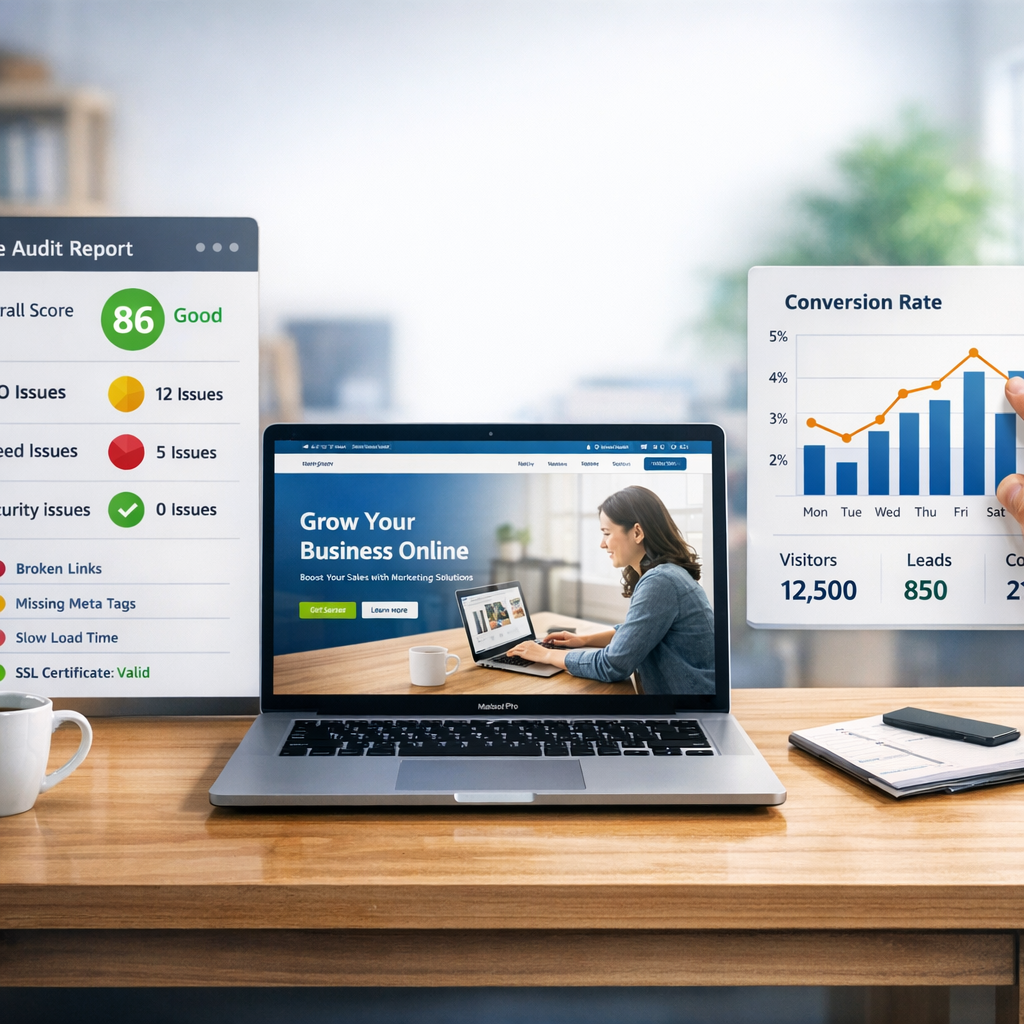
You launched your site, set up tracking, and still visitors leave without taking action. If that feels familiar, you are in the right place because this article breaks down the most common reasons for poor performance and the practical fixes that work.
If you've asked yourself, why is my website conversion rate so low, this guide will help you quickly diagnose the root causes, prioritize fixes you can implement without a full redesign, and know when to call in specialized help.
What counts as a "low" conversion rate
Benchmarks vary by industry and traffic source, but context matters. For landing pages, median conversion rates around 6.6% are common in recent studies, while ecommerce stores often average between about 1.4% and 3% depending on the platform and vertical. Those numbers help orient you, but your ideal target depends on price, offer, traffic quality, and intent.
If your site converts well below peers in your niche, or your conversions drop suddenly after a change or campaign, treat it as urgent.
Why Is My Website Conversion Rate So Low: top causes
1) Mismatch between traffic and page intent
If paid ads or social posts promise one thing but the landing page delivers something else, visitors bounce. Make sure ad creative, keywords, and CTAs match the page experience exactly.
2) Unclear value proposition and weak messaging
Visitors decide in seconds whether your page is relevant. If your headline and hero area do not answer "What is this?" and "Why should I care?" you lose people fast.
3) Slow pages and poor performance
Speed kills conversions. Research shows bounce probability rises dramatically as load time grows. Image-heavy pages, slow hosting, and unoptimized third-party scripts are common offenders.
4) Bad mobile experience
With most traffic now mobile-first, tiny buttons, long forms, or non-responsive layouts tank conversions. Test your flow on multiple devices and carriers.
5) Distracting or confusing design
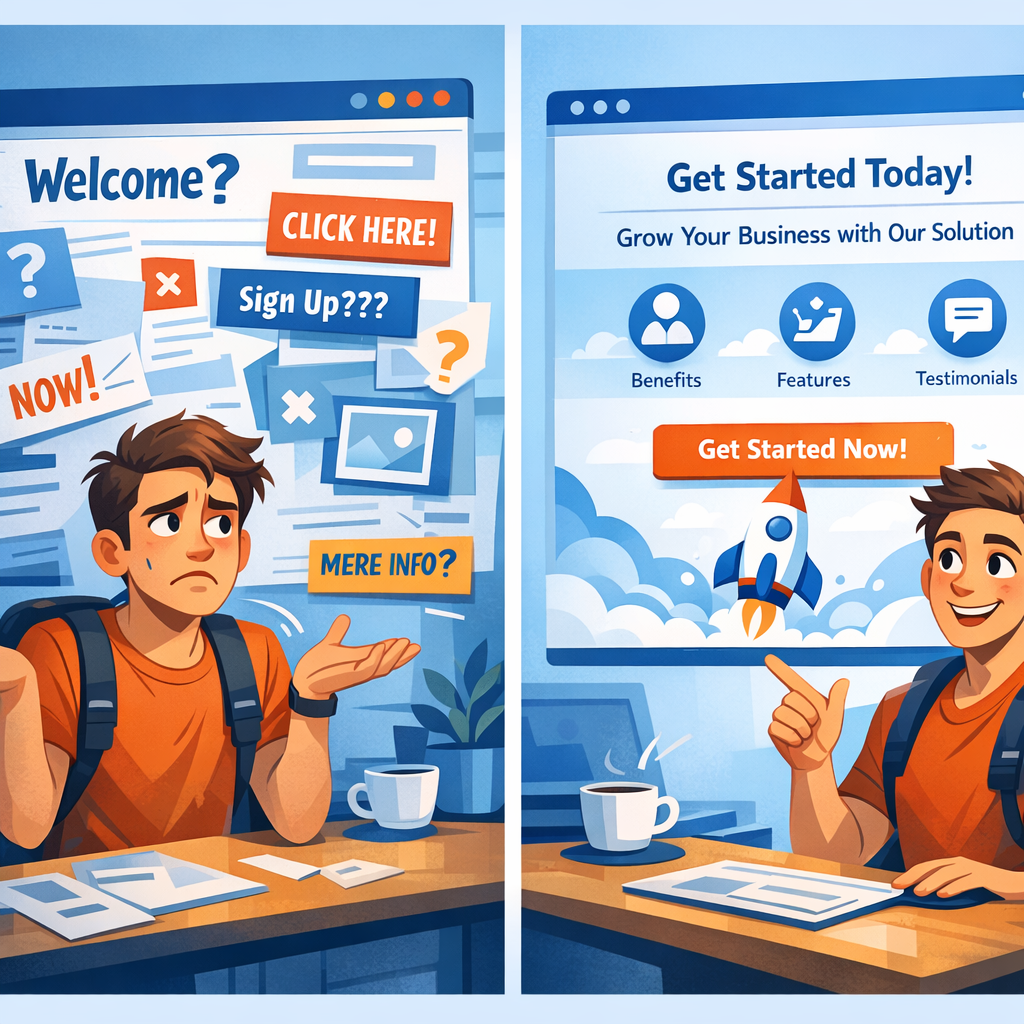
Too many CTAs, cluttered navigation, or multiple competing offers create decision paralysis. One clear primary action per page works best.
6) Forms that ask for too much
Lengthy intake forms reduce completion. Ask only for what you need to continue the process, and use progressive profiling later.
7) Lack of trust signals
No contact info, no reviews, and no social proof leave buyers skeptical. Show testimonials, logos, guarantees, and easy ways to contact you.
8) Tracking and technical issues
Broken analytics, misconfigured funnels, cross-domain problems, or blocked bots can make conversion rates look worse than they are, or hide real issues. Always validate your data.
Quick diagnostic checklist (30–90 minutes)
- Confirm analytics is recording events correctly, including conversions and goals.
- Compare conversion rates by channel, device, and landing page to find big gaps.
- Run a page speed test (desktop and mobile) and note LCP and TTFB.
- Scan the hero area: is the headline clear, value obvious, and CTA prominent?
- Try converting on mobile, desktop, and a private window to spot device-specific bugs.
Low-effort fixes that move the needle fast
- Simplify the hero: a short benefit-led headline, one subhead, one bright CTA.
- Reduce form fields, add social sign-on options, and use inline validation.
- Compress images, enable browser caching, and load scripts async to improve speed.
- Add clear trust signals above the fold: testimonials, client logos, or a short guarantee.
- Match campaign copy to landing page messaging to reduce bounce from paid traffic.
Technical and design fixes (priority list)
- Fix page-speed bottlenecks: image optimization, CDN, and critical CSS.
- Ensure mobile-first responsive design, readable fonts, and large touch targets.
- Remove unnecessary pop-ups that interrupt the primary conversion flow.
- Audit and clean up third-party scripts that delay interactive time.
- Implement proper server-side redirects and stable final URLs for ad destinations.
Measure, test, repeat
Set up A/B tests for headline, CTA copy, form length, and layout. Run tests long enough for statistical confidence and segment results by traffic source. Often small UX wins compound: better readability plus faster load times equals sizable conversion lifts.
When to call in help
If you lack the bandwidth to diagnose speed or analytics issues, or you need a strategic CRO program, partner with specialists who can audit technical setup, UX, and messaging. If you want a quick way to convert more visitors without heavy dev work, tools that provide interactive audits and embedded lead capture can be especially effective.
For agencies and site owners who need a plug-and-play lead magnet and audit experience, see Auditsky’s free audit tool that embeds on landing pages and blog posts to convert idle visitors into leads: https://auditsky.ai/.
You can also explore agency-focused features and examples on Auditsky’s agencies page: https://auditsky.ai/agencies/ and content marketing lead generation strategies at https://auditsky.ai/content-marketing-lead-generation/.
Prioritizing fixes when resources are limited
- Fix tracking and analytics first, otherwise you will A/B test in the dark.
- Address speed and mobile issues if your mobile conversion lags behind desktop.
- Simplify hero messaging and CTA for high-traffic pages.
- Run short A/B tests for low-effort changes, then scale winners site-wide.
FAQs
How do I know if my conversion rate is actually low?
Compare your conversion rate to industry benchmarks for landing pages or ecommerce, then segment by channel and device. If you rank in the bottom quartile for your niche, treat it as a problem to solve. Also watch for sudden drops after site changes or campaigns.
What conversion rate should I aim for?
It depends. Landing pages often see median rates around 6.6% in broad studies, while ecommerce averages typically fall between 1.4% and 3% for many stores. Aim to beat your historical baseline and test toward the top quartile for your industry.
Can poor-quality traffic cause low conversions?
Yes. High click volume from poorly targeted campaigns can lower conversion rates. Prioritize traffic sources with clear intent, like email or search, and refine targeting for social and display.
How long before I see improvements after changes?
Simple fixes like headline tweaks or speed improvements can show impact within days. Reliable A/B tests usually need a few weeks to gather significant data depending on traffic. Technical or brand changes can take months to fully materialize.
Are pop-ups always bad for conversion?
Not always. Well-timed, relevant pop-ups can increase leads. But intrusive or mismatched pop-ups that block content will reduce trust and conversions. Test carefully and prioritize user experience.
What metrics should I watch besides conversion rate?
Monitor conversion rate by source, average session duration, bounce rate, funnel drop-off points, and micro-conversions like demo requests. Watch page speed metrics and Core Web Vitals for performance issues.
Practical next steps you can do today
- Run a quick page speed test and compress the largest images.
- Audit your hero area: does a stranger understand your offer in 5 seconds?
- Reduce a high-friction form field and measure the change.
- Check analytics for broken goals or misattributed campaigns.
Ready to stop guessing and start converting more visitors?
If you want a fast, proven way to convert silent visitors into leads without heavy dev work, try embedding Auditsky’s free AI website audit widget. It gives visitors a tangible audit report and captures qualified leads for follow-up: https://auditsky.ai.
Conclusion
Here is the thing, low conversion rates almost always point to a combination of message mismatch, friction, and technical problems. Start by validating your data, fix the highest-friction issues first (speed, mobile, messaging), run structured tests, and keep iterating. Small improvements multiply, and within a few iterations you can turn a leaky site into a consistent lead engine.
Make a short list of the three biggest issues you see right now and fix the #1 problem today. If you want help turning traffic into meetings and revenue faster, Auditsky can be embedded on your pages to convert visitors into leads immediately: https://auditsky.ai.