
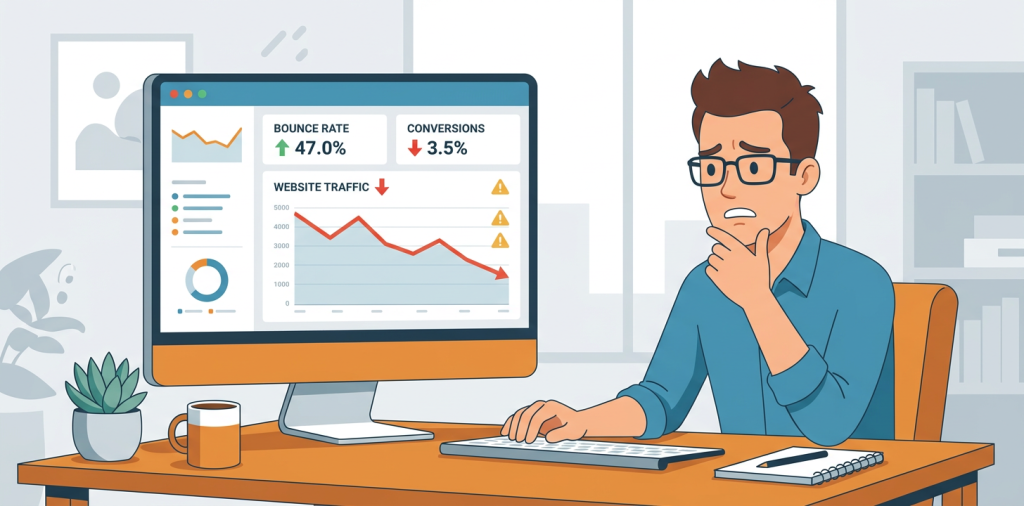
If you’ve been asking yourself, why is my website traffic dropping, you’re not alone. Traffic dips happen to sites of every size, from brand-new blogs to established SaaS and eCommerce businesses. The real question is not whether drops happen, it’s whether you can figure out what changed fast enough to fix them.
The good news is that traffic usually falls for a handful of predictable reasons, and most of them can be diagnosed without a huge dev budget. In many cases, the problem is a mix of technical SEO issues, weaker content performance, changing search intent, or competition taking the positions you used to own.
In this guide, you’ll learn how to identify the root cause, what to check first, and what to do next so you can get organic traffic moving in the right direction again.
Why Website Traffic Drops in the First Place
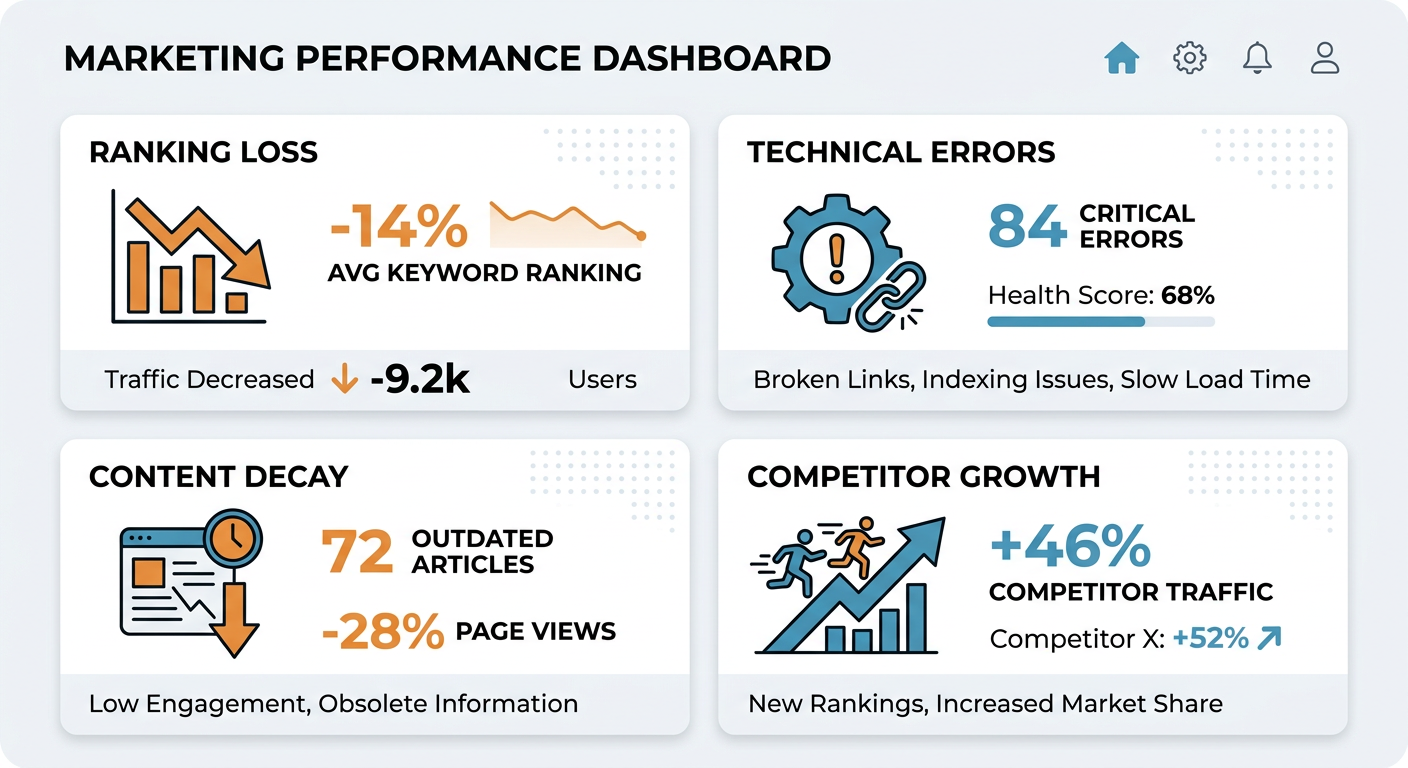
Traffic rarely drops for just one reason. More often, it’s a combination of ranking losses, fewer clicks from search results, content decay, tracking issues, or site changes that quietly hurt visibility.
If your traffic fell suddenly, think technical or tracking. If it declined gradually over weeks or months, think content quality, competition, intent mismatch, or Google reassessing your pages.
1. Search Rankings Changed
The most common answer to why is my website traffic dropping is simple, your rankings moved.
If pages drop from page one to page two, even a small position loss can cause a big traffic hit. That’s especially true for high-volume keywords where the top three results get the bulk of clicks.
What to check
- Which pages lost the most clicks in Google Search Console
- Whether those pages also lost average position
- Whether a competitor replaced you for the same keyword set
What to do
- Refresh the page with better intent match
- Improve titles and meta descriptions for stronger click-through rate
- Add missing subtopics, examples, and internal links
- Compare your page against the current top-ranking results
2. Search Intent Shifted
Sometimes the page is still ranking, but the intent behind the query changed.
For example, Google may now prefer product pages over blog posts, local pages over guides, or comparison content over definitions. If your content no longer matches what searchers want, traffic can fall even when rankings look stable.
Signs this is happening
- Rankings remain similar, but clicks drop
- Competitors have a different content format than yours
- Search results now show videos, product pages, or local packs
Fix it by
- Reworking the page format to match current search results
- Adding clearer answers earlier in the page
- Creating content that better serves the query type
3. Your Content Is Aging Out
Content decay is one of the most overlooked causes of traffic loss.
A post that ranked well last year can slide when it becomes outdated, less comprehensive, or less relevant than newer pages. This is common for statistics posts, how-to guides, trend pieces, and comparison articles.
Watch for these warning signs
- Traffic is slowly declining over several months
- The page has not been updated in a long time
- Search snippets and competing pages look fresher than yours
How to fix content decay
- Update outdated screenshots, data, and examples
- Expand thin sections with better detail
- Add a “last updated” refresh if appropriate
- Merge overlapping posts that compete with each other
4. Technical SEO Problems Are Blocking Visibility
A technical issue can quietly make a healthy site look broken.
Common examples include pages being deindexed, blocked by robots.txt, canonical errors, slow load times, broken internal links, or accidental noindex tags after a redesign.
Audit these first
- Index coverage in Google Search Console
- Recent site migrations or CMS changes
- Core Web Vitals and page speed
- Canonical tags, redirects, and broken URLs
- Mobile usability issues
Quick fixes that often help
- Restore pages accidentally blocked from indexing
- Clean up redirect chains
- Fix broken templates that affect key pages
- Improve load time on mobile-first traffic pages
5. Your Internal Linking Is Too Weak
Search engines rely on internal links to understand which pages matter most.
If important pages are buried, orphaned, or linked inconsistently, they may lose authority over time. That can make rankings drift even if the content itself has not changed much.
Improve internal linking by
- Linking to priority pages from relevant high-traffic content
- Using descriptive anchor text
- Adding links from informational pages to conversion pages
- Reviewing orphan pages that get little or no support
6. Competitors Got Better
Sometimes your traffic is not dropping because you failed. It’s dropping because someone else improved faster.
Competitors may have published deeper content, earned stronger backlinks, built better topical coverage, or improved page experience. In competitive niches, even small gains from others can push you down.
Check competitor changes
- Did they publish new content on your topic?
- Did they update older pages recently?
- Are they covering more questions and subtopics than you?
Your response
- Build better content, not just more content
- Strengthen topic clusters around money pages
- Add proof, examples, and unique insights
7. Tracking or Analytics Broke
Before you panic, confirm the data is real.
A broken tag, changed analytics setup, consent issue, or tracking filter can make traffic appear to drop when the site is actually fine. This is especially important after redesigns, domain changes, or tag manager updates.
Validate the numbers
- Compare Google Analytics with Search Console
- Check whether the drop is across all channels or just organic
- Review tracking changes around the date traffic fell
- Test pages in real time to ensure tags fire properly
8. Seasonal Demand Changed
Not every traffic drop is a problem. Some are seasonal.
If your business depends on holidays, enrollment periods, buying cycles, or annual events, traffic can rise and fall in a predictable pattern. The key is comparing year over year, not just week over week.
Best practice
- Compare the same period last year
- Separate seasonal dips from SEO issues
- Build evergreen content to smooth out demand swings
9. SERP Features Reduced Clicks
You may still rank, but get fewer visits because the search results page changed.
Featured snippets, AI answers, maps, shopping results, and other SERP features can steal clicks from organic listings. In some cases, the click drop is bigger than the ranking drop.
How to respond
- Optimize titles for clearer value and stronger CTR
- Write concise answers near the top of key pages
- Add schema where relevant
- Focus on queries where your brand can still earn a click
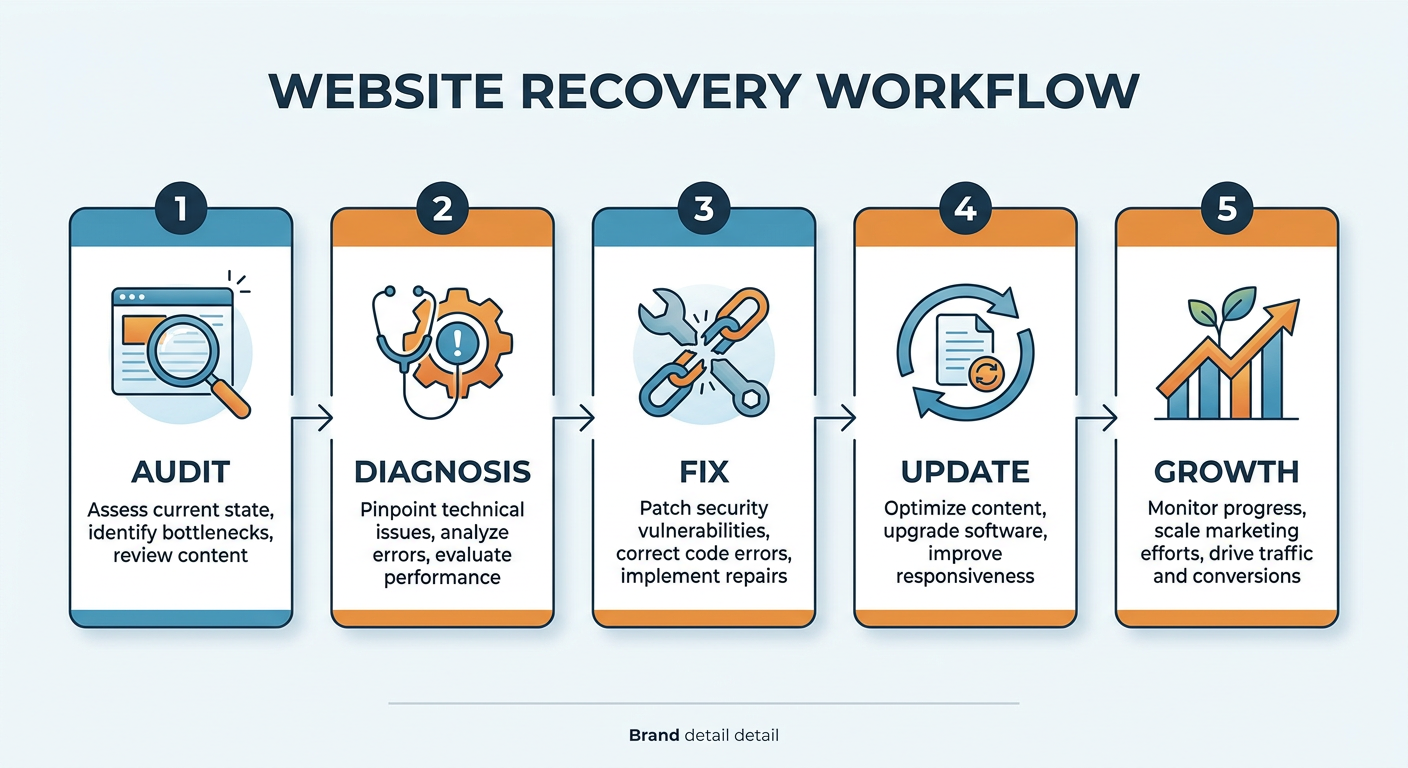
A Practical Traffic Drop Recovery Plan
If you need a simple way to respond, start here.
Step 1: Confirm the drop is real
Check analytics, Search Console, and server logs if available. Make sure the issue is not just a tracking problem.
Step 2: Identify the affected pages
Find which URLs lost the most traffic. Focus on the pages that matter most for leads, revenue, and rankings.
Step 3: Match the drop to the cause
Look at rankings, indexing, technical issues, content freshness, and competitor movement. Usually, the pattern tells you what happened.
Step 4: Fix the highest-impact issues first
Start with pages that have the biggest traffic value and the clearest problems. That could mean updating content, improving internal links, fixing technical errors, or rewriting titles.
Step 5: Track results over 2 to 6 weeks
SEO fixes are not instant. Give search engines time to recrawl, re-evaluate, and reflect your improvements.
How Different Websites Should Respond
For SaaS websites
Focus on product-led landing pages, comparison pages, and high-intent queries. Traffic often drops when competitors publish better alternatives or when pages stop matching intent.
For eCommerce sites
Check category pages, product pages, filters, and index bloat. Traffic losses often come from thin pages, duplicate content, or technical crawl issues.
For blogs and publishers
Update old posts often, prune low-value content, and strengthen internal links. Content decay is usually the biggest issue.
For local businesses
Review Google Business Profile visibility, local landing pages, and location-specific content. Local traffic can shift when map results change.
FAQ
Why is my website traffic dropping even though I post new content?
New content does not always help if older pages are losing rankings or if the new pages do not match search intent. You may need to improve existing content, not just add more.
How long does it take to recover traffic?
Minor improvements can show in a few weeks, but meaningful SEO recovery often takes one to three months, depending on the issue and how quickly search engines recrawl your site.
Should I delete old pages that get no traffic?
Sometimes. If a page has no value, no backlinks, and no search potential, pruning can help. But if the page supports a topic cluster or has backlinks, update it instead of deleting it.
Can a redesign cause traffic to drop?
Yes. Redesigns can accidentally remove indexable content, change internal links, break redirects, or add noindex tags. Always audit a redesign carefully.
What is the fastest way to find the cause?
Start with Search Console, look at pages with the biggest click losses, then check rankings, indexing, and recent site changes. That usually reveals the problem quickly.
Is traffic dropping always an SEO problem?
No. It can also be seasonal, caused by analytics issues, or related to brand demand changes. That’s why you should verify the data before making big changes.
Get a Clear Answer Faster
If you want a faster diagnosis, run a full website audit instead of guessing. A structured review can reveal technical SEO issues, content decay, internal linking gaps, and AI visibility problems before they become bigger losses.
At Auditsky, we help website owners, agencies, and content teams find what is holding back organic growth, then turn that into a clear action plan.
Conclusion
If you’ve been wondering why is my website traffic dropping, the answer is usually hiding in plain sight. Rankings shift, search intent changes, content gets stale, technical issues pile up, and competitors keep improving.
The fastest path back to growth is simple. Diagnose the real cause, fix the highest-impact pages first, and keep tracking the results. Do that consistently, and traffic recovery becomes a process, not a mystery.
Recommended Long-Tail Keyword
What causes a sudden drop in website traffic?