
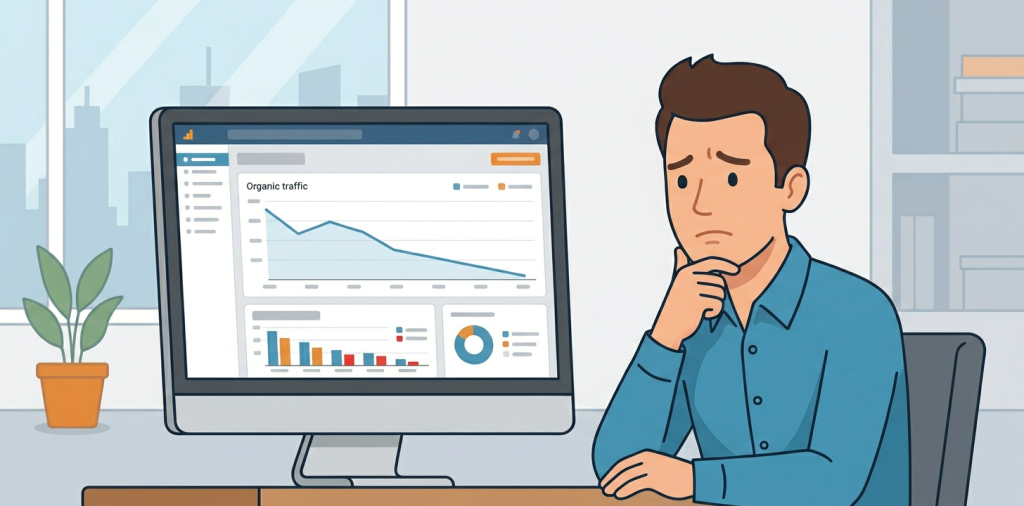
If you’ve been staring at analytics wondering why your rankings look fine but your visits keep sliding, you’re not alone. Why is my organic traffic dropping is one of the most common SEO questions because the answer is rarely just one thing.
The short version: traffic usually falls when search demand shifts, competitors improve, technical issues pile up, or your content no longer matches what people and search engines want. The good news is that most drops are diagnosable, and many are fixable without rebuilding your whole site.
Why Is My Organic Traffic Dropping?
A traffic drop is usually a symptom, not the root problem. You need to look at patterns first, then isolate whether the issue is related to rankings, clicks, indexing, content quality, or tracking.
Here’s the thing, a page can still rank while traffic falls if search results change, AI summaries answer the query before the click, or the page loses relevance to user intent. That means the diagnosis has to go beyond “my keywords moved.”
1. Search Demand Changed
Sometimes the problem is not your site at all. Seasonal demand, trends, and market shifts can reduce searches for your keywords even when rankings stay steady.
This is especially common for blogs, affiliate sites, and seasonal ecommerce pages. Compare your traffic with Google Trends or year-over-year search data before assuming SEO failure.
2. Rankings Dropped on Important Pages
If your top landing pages slipped from positions 1 to 4, you can lose a big chunk of clicks fast. That happens even if the page still appears on page one.
Look at pages that used to drive the most sessions and check whether they lost visibility on high-intent terms. A drop in a few money pages often explains most of the lost traffic.
3. Click-Through Rate Fell
You may still rank, but fewer people are clicking. That can happen when competitors have stronger titles, more compelling snippets, or richer result features.
Review your titles, meta descriptions, and structured data. If your snippet is bland, outdated, or too generic, users may scroll right past you.
4. Technical SEO Issues Are Blocking Visibility
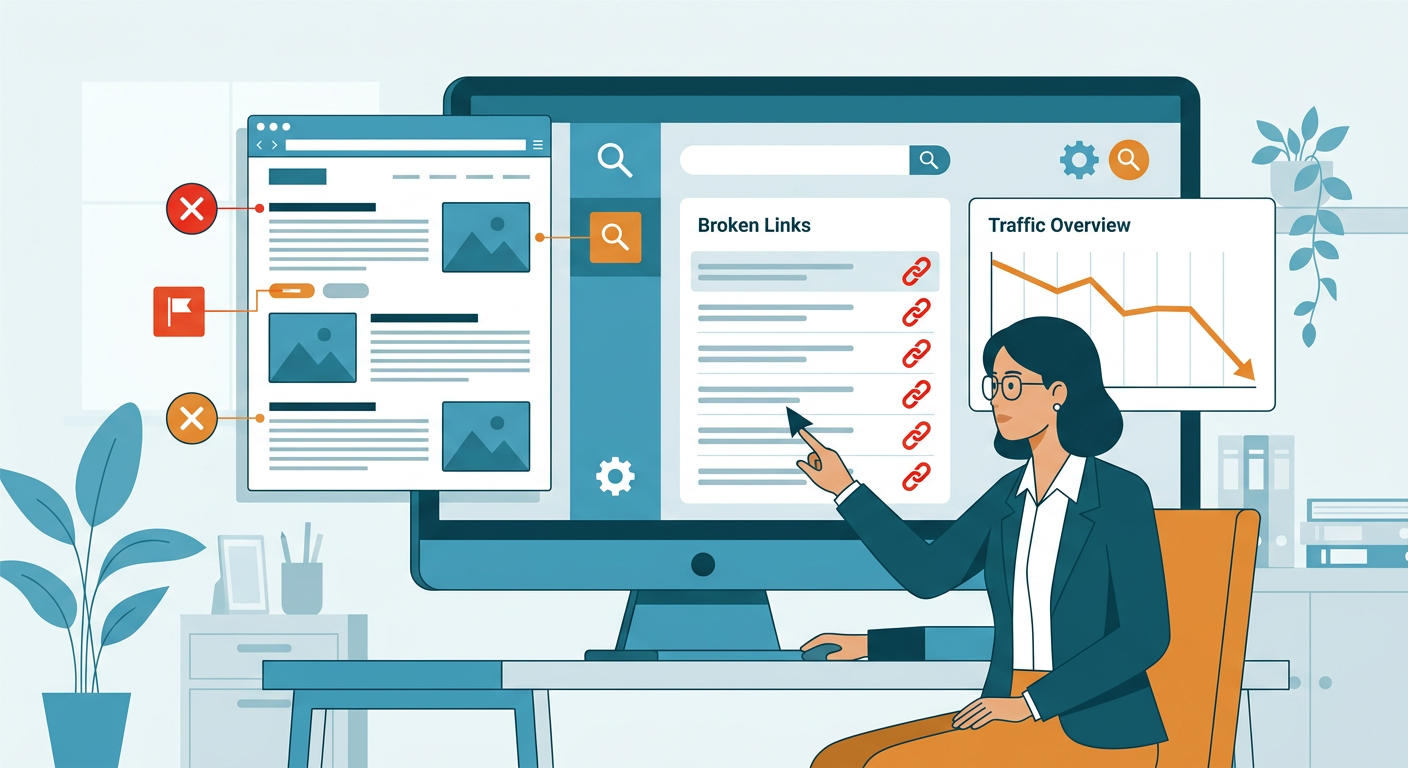
Crawling and indexing issues can quietly drain traffic. Common culprits include accidental noindex tags, robots.txt problems, canonical errors, redirect loops, slow pages, and broken internal links.
If traffic dropped across many pages at once, check technical health first. A sitewide issue is more likely than hundreds of pages suddenly becoming “bad.”
5. Content Decay Is Hurting Older Pages
Content doesn’t stay fresh forever. Over time, facts get outdated, competitors publish better guides, and search intent evolves.
This is a big reason informational pages lose traffic. Update stats, improve depth, refresh examples, and tighten the page around the current query intent. For a deeper fix, many teams pair this with content optimization and a broader website audit.
6. You Lost Backlinks or Authority Signals
If valuable backlinks disappear or competitors gain stronger links, your pages may lose authority. That can reduce rankings even when your on-page SEO looks solid.
Check whether high-quality referring domains disappeared recently. Link erosion is easy to miss because it happens gradually, not all at once.
7. Search Results Changed
Google changes result layouts often, and that can affect traffic without a dramatic ranking change. Featured snippets, maps, video carousels, shopping modules, and AI-generated answers can reduce clicks.
This matters a lot for SaaS, ecommerce, and local businesses. If the page is still visible but the page itself is less clickable, your traffic can fall even when your position looks stable.
8. Internal Linking Got Worse
Internal links help search engines understand which pages matter most. If your site architecture changed, important pages may be receiving less crawl attention and less authority.
This happens after redesigns, content migrations, CMS changes, and blog pruning. Rebuild links from relevant pages to your priority pages using descriptive anchor text.
9. You Published More Low-Quality Content
More content is not always better. Thin pages, duplicated topics, and weak topical focus can dilute your site quality and make your strongest content harder to rank.
If you’ve scaled content quickly, review whether newer posts are competing with older ones. Consolidating similar pages often helps more than publishing more of them.
10. Competitors Improved Faster Than You Did
SEO is relative. Even if your site stayed the same, competitors may have improved their technical setup, content depth, internal links, or backlink profile.
That is why a competitor analysis matters. You need to know what changed on the sites now outranking you, not just what changed on your own.
11. Tracking or Attribution Broke
Not every traffic drop is real. Analytics tag issues, consent settings, template changes, and migrations can distort your numbers.
Before you panic, compare Search Console clicks, analytics sessions, and server logs if available. If only one system shows the drop, it might be a measurement issue rather than an SEO loss.
How to Diagnose the Drop Fast
Start with a simple sequence:
Check whether the drop is sitewide or page-specific
If only a few URLs lost traffic, focus on content, rankings, and intent. If the whole site dropped, look at technical issues, index coverage, and major algorithm or tracking changes.
Compare clicks, impressions, and rankings
- Lower impressions usually means demand or visibility changed
- Lower rankings usually means SEO performance slipped
- Lower clicks with stable rankings usually means CTR or result layout changed
Review the top landing pages first
Your biggest pages usually reveal the pattern fastest. One weak category page can explain a surprising amount of lost organic traffic.
Audit content freshness and intent match
Ask whether the page still answers the query better than competing results. If not, update it or merge it with stronger content.
What To Fix First
If you need the highest-impact moves, start here:
- Repair indexing and crawl issues
- Update pages that lost rankings and clicks
- Improve titles and meta descriptions
- Strengthen internal links to priority pages
- Refresh outdated content
- Remove or consolidate weak pages
- Compare your pages with current competitors
If you want a structured process, an AI visibility audit can also help you understand how your content performs in AI search surfaces like ChatGPT and Gemini.
FAQ
Why is my organic traffic dropping but rankings look normal?
That usually means CTR fell, search demand changed, or the search results page changed. Rankings alone do not tell the whole story.
How long does it take to recover lost organic traffic?
It depends on the cause. Technical fixes can recover quickly, while content updates and authority gains often take weeks or months.
Should I update old content or publish new content?
Usually both, but update first if a page already has authority and backlinks. Refreshing strong pages is often faster than starting from scratch.
Can a site redesign cause traffic loss?
Yes. Migrations and redesigns can break redirects, internal links, metadata, and crawl paths. Always audit the launch carefully.
How do I know if Google updated its systems?
Look for broad changes across many pages at the same time. Then compare your dates with industry monitoring tools and your own Search Console data.
Is AI search affecting organic traffic?
It can. More answers are being shown directly in search and AI interfaces, which can reduce clicks even when visibility stays strong.
Grow Back With a Smarter SEO Audit
If your traffic is slipping, don’t guess. Find the exact pages, queries, and technical issues behind the drop, then fix the highest-value problems first.
That’s where a focused SEO audit can save time and revenue. Visit Auditsky to uncover what changed, what to fix next, and where your next growth opportunity is hiding.
Conclusion
Organic traffic drops are frustrating, but they’re usually explainable. Once you separate rankings, clicks, indexing, content decay, and tracking issues, the path forward gets much clearer.
The fastest wins usually come from updating stale pages, fixing technical blockers, and tightening internal links. If you keep improving the pages that matter most, your traffic can recover and grow again.