

How do you improve site speed in a way that actually helps sales? The answer is not just making pages “faster,” it is building a smoother shopping experience that keeps people moving from product page to checkout. That is exactly where an ecommerce core web vitals guide becomes useful.
If your store gets traffic but sales feel stuck, Core Web Vitals can be one of the hidden reasons. Slow loading, jumpy layouts, and laggy interactions create friction at the worst possible time, right when a shopper is deciding whether to buy.
Introduction
Core Web Vitals are a set of performance signals that help measure how users experience your pages. For ecommerce, they matter even more because shoppers expect speed, clarity, and confidence on every step of the journey.
This guide breaks down what to fix, why it matters, and how to prioritize improvements without overcomplicating your stack. Whether you run a Shopify store, WooCommerce site, or a custom platform, the goal is the same, better performance that supports rankings, conversions, and revenue.
What Core Web Vitals Mean for Ecommerce
Core Web Vitals focus on three main user experience signals: loading, responsiveness, and visual stability. On an ecommerce site, those signals can shape whether a visitor browses, adds to cart, or leaves frustrated.
A product page that loads slowly can lose attention fast. A size selector that lags after tap or click can make the experience feel broken. A layout that shifts while someone is reading reviews can cause accidental clicks and distrust.
Why ecommerce stores feel the impact more sharply
Unlike a blog post, ecommerce pages usually carry more assets, product images, apps, scripts, reviews, upsells, chat widgets, and tracking tags. That makes performance issues more common and more costly.
Even a small delay can hurt the path to purchase. In ecommerce, every extra bit of friction can lower add-to-cart rate, checkout completion, and average order value.
The business case behind performance
Google has long tied page experience to search visibility and user satisfaction, and shoppers reward easy experiences with higher engagement. If you want a broader view of ranking signals and page experience, Google’s own page experience documentation is a solid starting point.
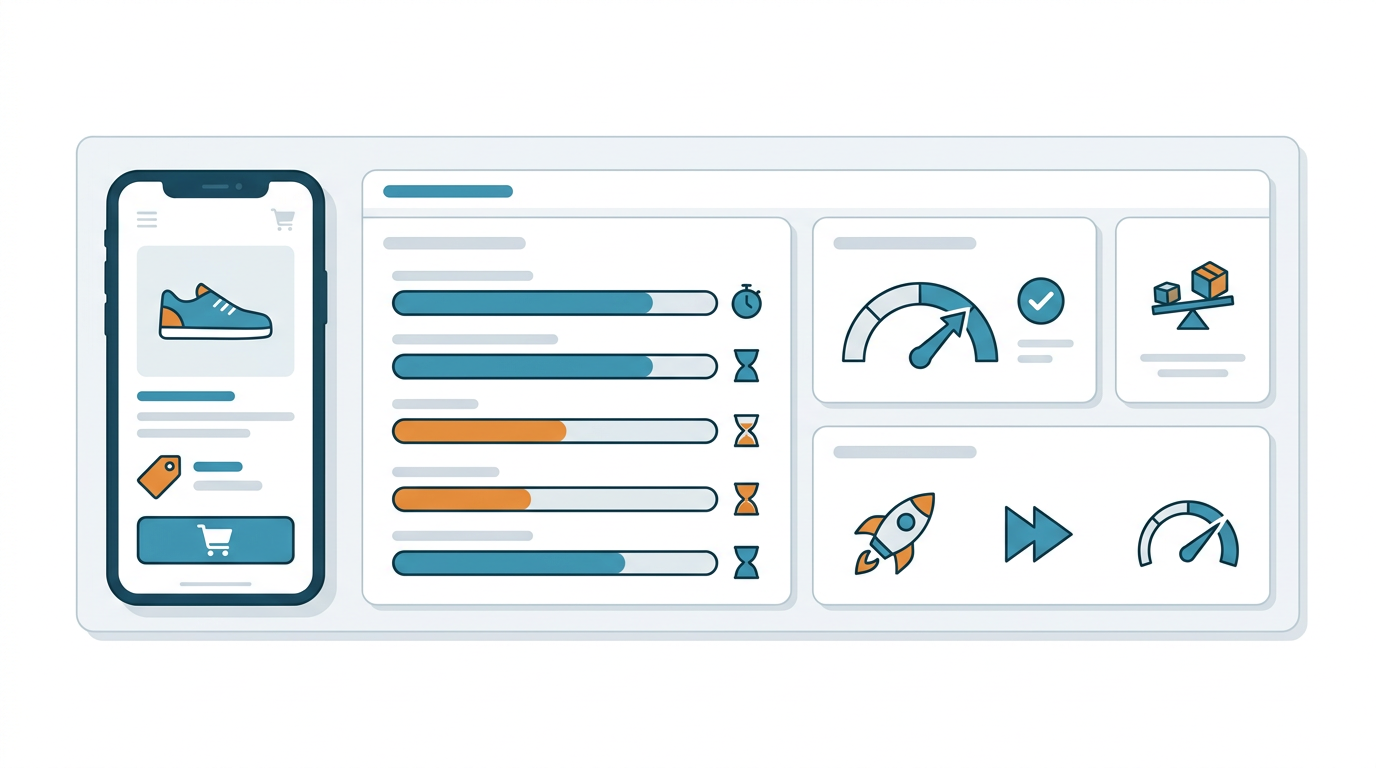
The Three Core Web Vitals Ecommerce Teams Should Watch
You do not need to memorize every metric detail to act on them well. You just need to understand what each one tells you about the shopping experience.
Largest Contentful Paint
Largest Contentful Paint, or LCP, measures how quickly the main content appears. On ecommerce pages, that usually means the hero image, product image, or major title area.
If your product pages feel slow to open, LCP is often part of the issue. Large images, unoptimized theme code, and slow server response are common causes.
Interaction to Next Paint
Interaction to Next Paint, or INP, measures responsiveness when a shopper clicks, taps, or types. A store can look fast but still feel laggy if filters, variant selectors, carts, or popups respond slowly.
This matters a lot on category pages and product detail pages. If users cannot interact smoothly, they may think the site is unreliable.
Cumulative Layout Shift
Cumulative Layout Shift, or CLS, measures visual stability. In plain terms, it tracks whether elements unexpectedly move around while the page is loading.
For ecommerce, CLS is a big deal. Price blocks, review widgets, promo banners, and sticky bars that pop in late can create accidental taps and a clumsy shopping experience.
Where Ecommerce Sites Usually Break Core Web Vitals
Most performance problems come from the same handful of places. The good news is that means your improvements can be very targeted.
Heavy images and uncompressed assets
Product photography is essential, but oversized images are one of the fastest ways to slow a store down. If you are loading large files on every page without modern formats or proper sizing, your users pay for it.
Use compressed images, responsive sizing, and lazy loading where appropriate. For product pages, the first visible image still needs to load quickly, so do not over-lazy-load the most important asset.
Too many apps and scripts
Ecommerce platforms often accumulate apps over time. Reviews, upsells, analytics, popups, chat, personalization, and A/B testing can all add weight.
Each script may seem small on its own, but together they can crush performance. Audit every third-party tool and keep only what truly supports revenue or essential operations.
Slow themes and bloated code
Some themes look beautiful but ship with unnecessary code. Others rely on too many animations, sliders, or nested components that create slow rendering.
If your theme was never designed for speed, you may be fighting the wrong battle. A cleaner theme or custom optimization can often outperform minor patchwork fixes.
Poor mobile experience
A large share of ecommerce traffic happens on mobile, and mobile devices are less forgiving. What feels acceptable on a fast desktop can be painful on a mid-range phone.
That is why an ecommerce core web vitals guide should always prioritize mobile testing first. Real users rarely shop in a perfect environment.
A Practical Fix List for Ecommerce Stores
You do not need to rebuild your whole store to see meaningful improvements. Start with the highest-impact issues first.
1. Optimize your main product images
Compress images, use next-gen formats where possible, and make sure dimensions match the display size. Avoid uploading enormous files and shrinking them with CSS.
If you sell fashion, furniture, or products where visuals matter most, image optimization can produce fast wins without harming the design.
2. Reduce JavaScript overhead
Check which scripts actually need to load on every page. Some tools can be delayed, loaded only on checkout, or removed entirely if they are not driving results.
This is often one of the best technical SEO and performance moves for ecommerce brands with too many plugins or apps.
3. Reserve space for dynamic elements
If review stars, promo bars, subscription popups, or recommendation widgets appear later, give them fixed dimensions. That helps prevent content from jumping around.
This small change can dramatically improve perceived quality and reduce user frustration.
4. Improve server response and caching
A slow backend makes every page feel heavier. Good hosting, caching, CDN use, and database cleanup can all help pages start rendering sooner.
If your platform is large or traffic-heavy, server-side efficiency becomes more important than flashy front-end tweaks.
5. Streamline checkout pages
Checkout is not the place for extra clutter. Remove unnecessary widgets, reduce third-party scripts, and keep the flow as lean as possible.
Every extra delay here can cost revenue directly, especially if shoppers are already close to conversion.
How to Prioritize Fixes Without Wasting Time
Not every issue deserves equal attention. The smartest stores focus on the pages and templates that influence revenue most.
Start with money pages
Your homepage matters, but product pages, category pages, cart, and checkout usually matter more. Those are the pages that directly influence transactions.
If your resources are limited, fix the templates tied to the most traffic and the highest conversion potential first.
Look for patterns, not one-off problems
If one product page is slow because of a giant image, that is a one-page issue. If every product page is slow because of the same app or theme component, that is a sitewide problem.
Sitewide issues should move to the top of your list because they create broader gains.
Measure before and after
Use performance testing before making changes, then test again after. That helps you prove what worked and avoid guessing.
If you manage multiple stores or client sites, this process also makes reporting much easier.
Core Web Vitals and SEO for Ecommerce
Performance is not a magic ranking switch, but it is a strong supporting factor when everything else is close. It can also improve crawl efficiency, engagement, and the likelihood that users stay long enough to convert.
For ecommerce SEO, the real value is compounding. Better page experience can support higher rankings, stronger click behavior, and better onsite conversion rates all at once.
If you want to connect performance with broader optimization, pair this work with technical SEO reviews, internal linking improvements, and content optimization across category pages and product descriptions.
How Audits Support Faster Fixes
A good audit helps you find the performance bottlenecks that matter most. Instead of making random theme edits, you get a clear picture of what is hurting speed, responsiveness, and stability.
That is where tools like SEO audits, website audits, and Core Web Vitals analysis become useful. If your team needs help finding the highest-impact issues, an external review can save a lot of time.
For agencies and store owners alike, performance work is easier when it is tied to business goals like revenue, lead generation, and better user experience. That is also why many teams pair Core Web Vitals work with content strategy and AI visibility audits.
FAQ
What is the most important Core Web Vitals metric for ecommerce?
There is no single winner, but LCP, INP, and CLS all matter. For product pages, LCP and CLS often have the biggest visible impact, while INP matters a lot on interactive elements like filters and add-to-cart buttons.
Do Core Web Vitals directly increase sales?
Not automatically, but they can remove friction that stops people from buying. Faster, smoother pages often lead to better engagement and higher conversion rates.
Should I optimize desktop or mobile first?
Mobile first is usually the better choice for ecommerce. Mobile users are more sensitive to delay and layout issues, and search engines evaluate mobile experience heavily.
Can Shopify stores improve Core Web Vitals?
Yes. Many Shopify stores can make meaningful gains by reducing app bloat, optimizing images, simplifying themes, and improving script loading.
Are Core Web Vitals worth fixing if rankings are already okay?
Absolutely. Even if rankings are stable, better performance can improve user satisfaction and conversion rates. For ecommerce, that often matters more than a minor ranking bump.
How often should I check Core Web Vitals?
Check them regularly, especially after theme changes, app installs, seasonal campaigns, or checkout updates. Performance can drift over time as new tools and assets are added.
Conclusion
An ecommerce store does not need to feel heavy, slow, or frustrating. With the right priorities, Core Web Vitals become a practical roadmap for better shopping experiences, stronger SEO support, and healthier conversion rates.
If you want more traffic and more sales, start by removing the friction that makes visitors hesitate. Small improvements in speed, responsiveness, and visual stability can add up quickly across your entire funnel.
Improve Your Store Performance With A Clear Next Step
If you want help finding what is slowing your store down, start with a focused audit. Auditsky can help you uncover technical SEO issues, Core Web Vitals problems, content gaps, and AI visibility opportunities that affect growth.
Visit Auditsky to explore SEO audits, website audits, and optimization services built for stores that want better rankings, better conversions, and less guesswork.