

Core Web Vitals can feel technical, but the goal is simple, make your site faster, smoother, and easier to use. If your pages load slowly, shift around while loading, or respond sluggishly to clicks, you’re probably losing traffic and conversions before visitors even get a chance to read what you offer.
The good news is that a Core Web Vitals improvement guide doesn’t have to be overwhelming. You can make meaningful gains with a clear plan, especially if you focus on the biggest bottlenecks first, then work your way into deeper fixes.
What Core Web Vitals Actually Measure
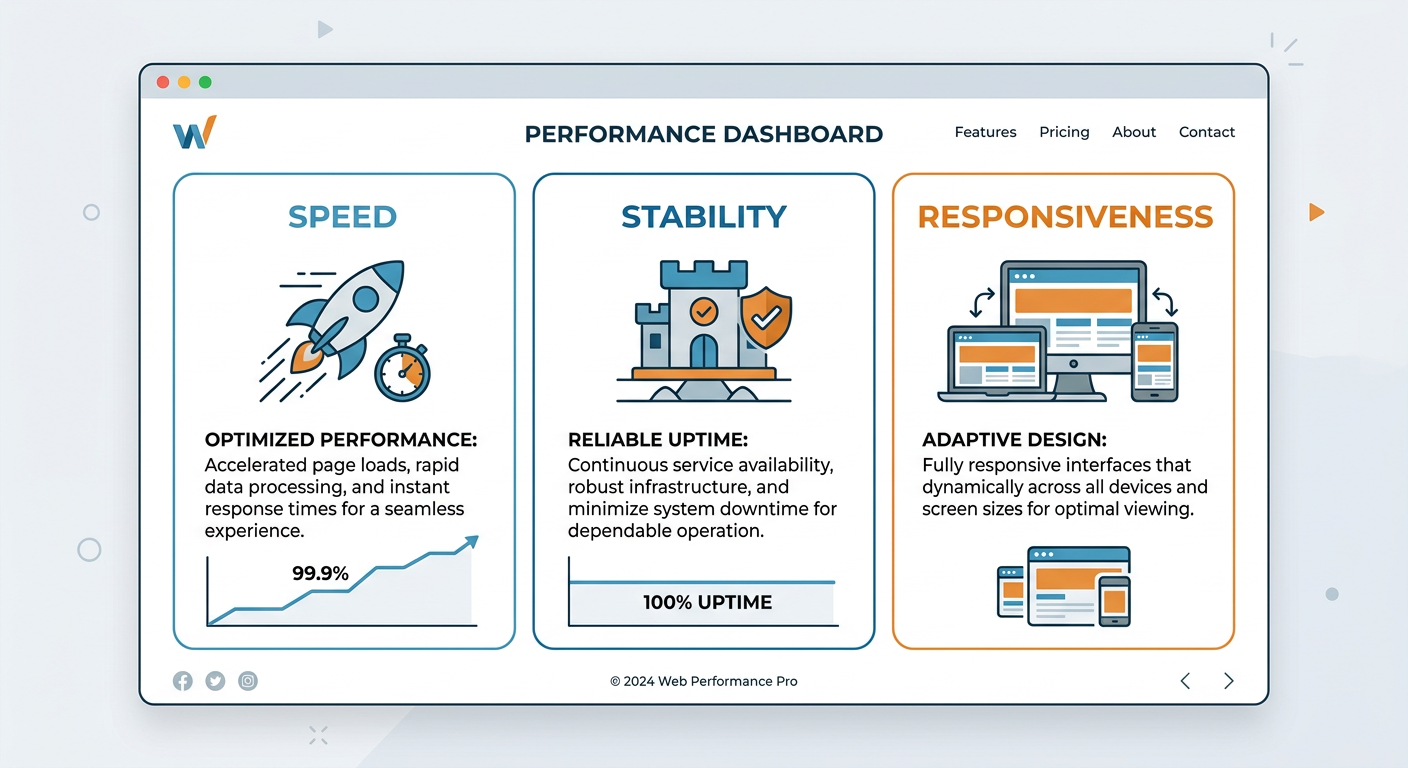
Core Web Vitals are a set of user experience signals that measure how real visitors experience your pages. In plain English, they help answer three questions: does the page load quickly, does it stay visually stable, and does it respond when someone interacts with it?
Largest Contentful Paint
Largest Contentful Paint, or LCP, measures how long it takes for the main content on a page to appear. If your hero image, headline block, or key content loads too slowly, users may bounce before they ever see the value of the page.
Interaction to Next Paint
Interaction to Next Paint, or INP, measures how quickly a page responds when someone clicks, taps, or types. A poor INP usually means the page feels laggy, which is especially frustrating on mobile.
Cumulative Layout Shift
Cumulative Layout Shift, or CLS, measures how much page content moves around unexpectedly while loading. If buttons jump, text shifts, or images pop in late, users can misclick or lose trust fast.
Why Core Web Vitals Matter for SEO and Conversions
Search engines want to surface pages that users actually enjoy using. That means performance is no longer just a developer concern, it’s part of your SEO and conversion strategy.
If two pages have similar content quality, the better experience often wins in practice. Faster pages can reduce bounce rate, keep people engaged longer, and improve the odds that a visitor becomes a lead, buyer, or subscriber.
For agencies, SaaS sites, eCommerce brands, and local businesses, this matters because performance issues are often hidden revenue leaks. Your content can be strong and still underperform if the page is painful to use.
Core Web Vitals Improvement Guide: Where to Start
The smartest approach is to fix what affects users most, not what looks easiest in a report. Start by identifying which metric is weakest, then map that problem to the page type that matters most, like your homepage, pricing page, service page, or top blog posts.
1. Improve LCP by speeding up the main content
LCP usually improves when you reduce page weight and help the browser prioritize what matters first. That often means compressing hero images, using modern image formats, removing unnecessary scripts, and making sure the main content loads before less important elements.
You should also look at server response times, caching, and CDN delivery. If your backend is slow, even a well-designed page can still feel heavy.
2. Improve INP by reducing JavaScript burden
INP problems often come from too much JavaScript competing for attention in the browser. If your site uses heavy sliders, chat widgets, animation libraries, or bloated third-party tools, interactions can feel delayed.
Audit your scripts, remove anything unnecessary, and defer non-critical code. For complex sites, splitting code into smaller chunks can help the browser stay responsive while still loading the features you need.
3. Improve CLS by reserving space before content loads
CLS often happens when images, ads, embeds, fonts, or banners appear without fixed dimensions. The browser doesn’t know how much space to reserve, so everything shifts when the asset finally loads.
Set explicit width and height values, reserve space for banners and widgets, and avoid injecting content above existing page elements. Font loading also matters, because sudden font swaps can move text around.
Quick Wins You Can Implement Without a Full Rebuild
Not every improvement requires a major redesign. In many cases, you can make noticeable progress with a few targeted changes.
Compress and resize images
Huge images are one of the most common performance problems. Resize them to the maximum display size they actually need, then compress them before upload.
Remove or delay third-party scripts
Analytics tools, ad platforms, social embeds, and tag managers can create a surprising amount of overhead. Keep the essentials, then delay or remove the rest.
Enable caching and use a CDN
Caching helps repeat visitors load pages faster, and a CDN reduces latency by serving assets from a location closer to the user. This is a practical win for both global and local audiences.
Use modern formats
WebP and AVIF can reduce image weight significantly compared with older formats. That can make a big difference on content-heavy pages and product galleries.
Simplify above-the-fold content
If the top of the page is overloaded with sliders, pop-ups, and heavy media, performance usually suffers. A cleaner above-the-fold section often improves both speed and clarity.

Technical Fixes That Make a Bigger Difference
Once the basics are under control, you can move into higher-impact technical improvements. These tend to require a bit more coordination, but they often deliver stronger results.
Optimize server performance
Slow hosting or inefficient backend processing can drag down every page. Review response times, database load, and server configuration, especially if your site is growing quickly.
Audit theme and plugin bloat
For CMS-driven sites, theme and plugin sprawl is a common issue. Too many features loaded globally can hurt every page, even when only one page needs them.
Preload critical assets
If your main font, hero image, or above-the-fold CSS is essential, prioritize it so the browser fetches it sooner. This can noticeably improve perceived load time.
Reduce render-blocking resources
If CSS and JavaScript block the page from painting, users wait longer to see content. Streamlining those assets can make the site feel much faster, even before every file finishes loading.
How Different Site Types Should Prioritize Fixes
Not every website should tackle performance in the same order. Your priorities depend on how the site earns traffic and where the conversion path matters most.
SaaS websites
Focus on pricing pages, demo pages, and signup funnels first. These pages need to load fast and respond instantly because friction directly affects lead generation.
eCommerce sites
Product pages, category pages, and checkout deserve the most attention. A slow interaction during browsing or checkout can cost real revenue quickly.
Local business websites
Homepage, service pages, and contact pages are usually the biggest opportunities. Visitors often arrive with strong intent, so you want fast access to key info, phone numbers, and forms.
Content sites and blogs
Prioritize templates that serve the most traffic. If your articles are heavy on ads, embeds, or affiliate widgets, those can quietly damage engagement and search performance.
How to Measure Progress the Right Way
A good improvement plan needs measurement, not guesswork. Track before-and-after changes so you know which fixes actually moved the needle.
Use lab and field data together. Lab data helps you diagnose problems during testing, while field data reflects what real users experience over time.
Look at trends, not one-off scores. Performance can vary by device, connection, page template, and traffic source, so the goal is steady improvement across your most important pages.
Common Mistakes to Avoid
A lot of teams make the same mistakes when working through performance issues. Avoiding these can save time and help you get results faster.
Chasing scores instead of user experience
A perfect score is nice, but the real goal is a page that feels fast and stable to visitors. Always connect the metric to the user behavior it affects.
Fixing low-traffic pages first
It feels good to clean up easy pages, but your biggest wins usually come from the pages that drive the most traffic or revenue.
Ignoring mobile performance
Many pages look fine on a desktop but struggle on mobile devices. Since most visitors often arrive on phones, mobile testing should be part of every review.
Overloading the page with features
Every extra widget, popup, and script adds cost. Simplicity often performs better than complexity.
A Simple 30-Day Improvement Plan
If you want a practical way to begin, use a phased approach.
Week 1: Audit and prioritize
Review your main templates, identify the weakest metrics, and list the pages with the highest business impact.
Week 2: Fix quick wins
Compress images, remove unnecessary scripts, and reserve space for dynamic content.
Week 3: Handle technical bottlenecks
Improve caching, script loading, server performance, and layout stability issues.
Week 4: Retest and refine
Measure again, compare the data, and create a follow-up list for the next sprint.
FAQ
What is the fastest way to improve Core Web Vitals?
Usually the fastest wins come from image optimization, script reduction, caching, and removing layout shifts. Start with pages that get the most traffic.
Do Core Web Vitals affect rankings directly?
They are part of the page experience picture, but they work best as a quality signal alongside strong content, good internal linking, and relevant search intent matching.
Can a WordPress site improve Core Web Vitals?
Yes. Many WordPress sites improve dramatically by reducing plugin bloat, optimizing images, using better hosting, and cleaning up theme code.
How often should I check performance?
Check it regularly, especially after design updates, plugin installs, marketing launches, or new scripts are added. Performance can drift over time.
What pages should I optimize first?
Start with pages that drive revenue or leads, such as homepage, service pages, category pages, product pages, and top-performing content.
Is mobile performance more important than desktop?
For most sites, yes. Mobile users are more sensitive to slow loading, unstable layouts, and delayed interactions.
Do I need a developer to fix everything?
Not always. Many fixes are easy to implement, but deeper issues like JavaScript cleanup or backend tuning may need technical support.
Grow Faster With a Smarter Audit Process
If you want to improve performance without wasting time, a structured audit makes the path much clearer. That’s where Auditsky can help you spot technical SEO issues, content gaps, and site experience problems that limit growth.
Use the findings to build a priority list, then turn those fixes into measurable gains in rankings, traffic, and conversions. The fastest results usually come from focused improvements, not random tweaks.
Conclusion
A strong Core Web Vitals strategy is really a user experience strategy. When you speed up your pages, stabilize your layout, and make interactions feel smooth, you help both search engines and real people trust your site more.
The best part is that you don’t need to fix everything at once. Start with the pages that matter most, make the highest-impact changes first, and keep improving from there.